Enterprise information and AI workflows
24desk: a local-first information assistant
An assistant organizes messages, prepares replies and queues decisions before executing user-approved external actions.
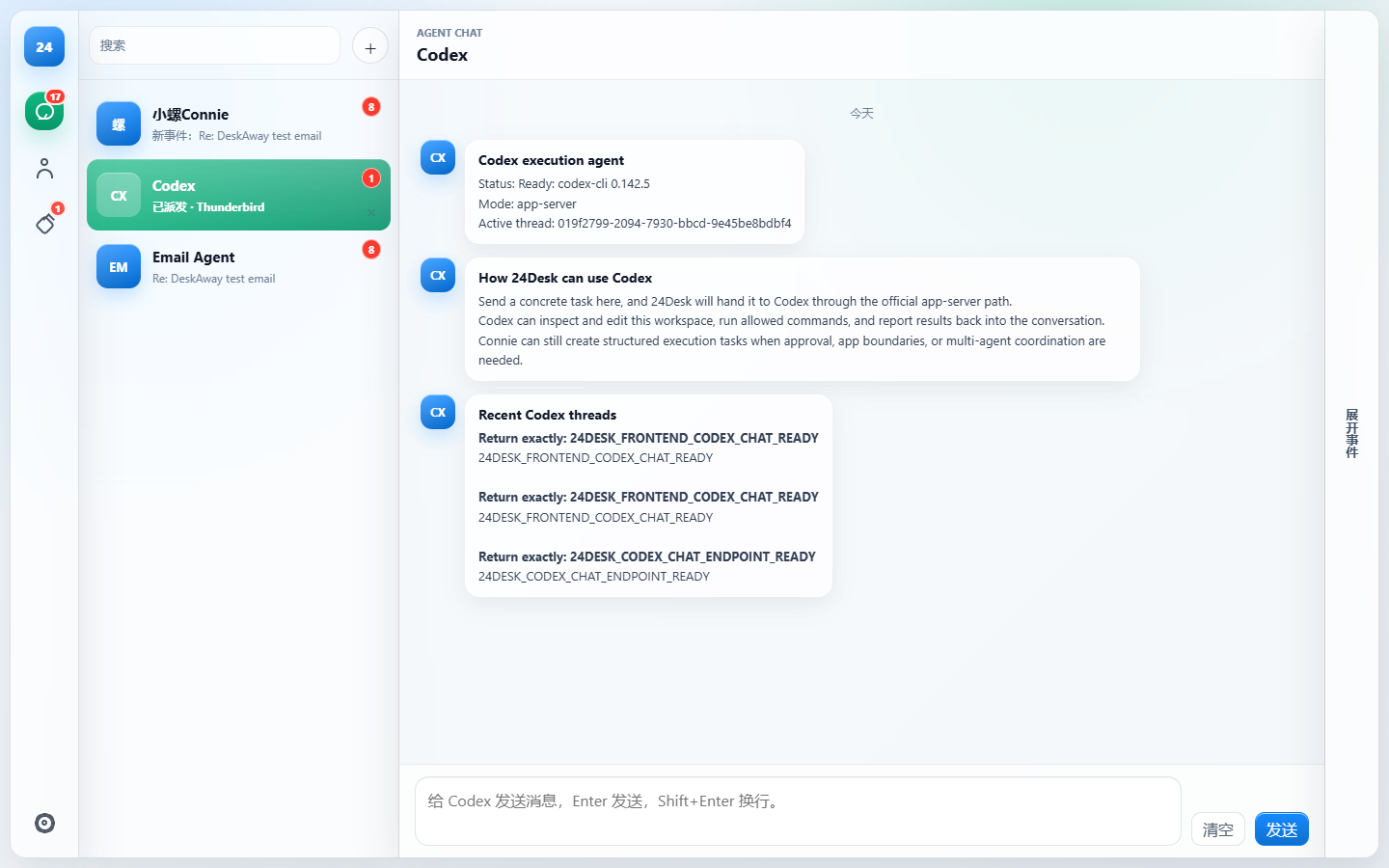
An assistant organizes messages, prepares replies and queues decisions before executing user-approved external actions.
Email, chat, calendars, files and business systems fragment attention and leave responsibilities and next actions scattered.
A primary agent coordinates email, policy, calendar and knowledge specialists. A confirmation queue, device-side task packages, paired devices and encrypted relay preserve the boundary between preparation and execution.
Multi-agent collaboration is designed around local execution and remote authorization. The system distinguishes information used for recommendations from actions awaiting confirmation, while retaining device pairing, execution feedback and audit records.
AI methods
INFORMATION_EVENT_MODEL / RESPONSIBILITY_ROUTING / MULTI_AGENT_ORCHESTRATION / DESKTOP_AGENT_EXECUTION / MOBILE_AUTHORIZATION
Workflows, pipelines and agents
Thunderbird / Gmail local cache connectors / Event Hub and unified information events / Connie primary agent and Agent Router / Policy, confirmation queue and device-side task packages / Codex Desktop Agent and desktop application executor / Mobile pairing, encrypted relay and audit
The standard path reads authorized information and application state on the local desktop. Remote mode uses paired devices, signed actions, encrypted relay, directed delivery and nonce replay prevention for necessary summaries, authorization payloads and result evidence. The desktop makes the final policy decision; a mobile instruction does not automatically authorize a high-risk external action.
Desktop and mobile collaboration
Mobile pairing, authorization and desktop execution
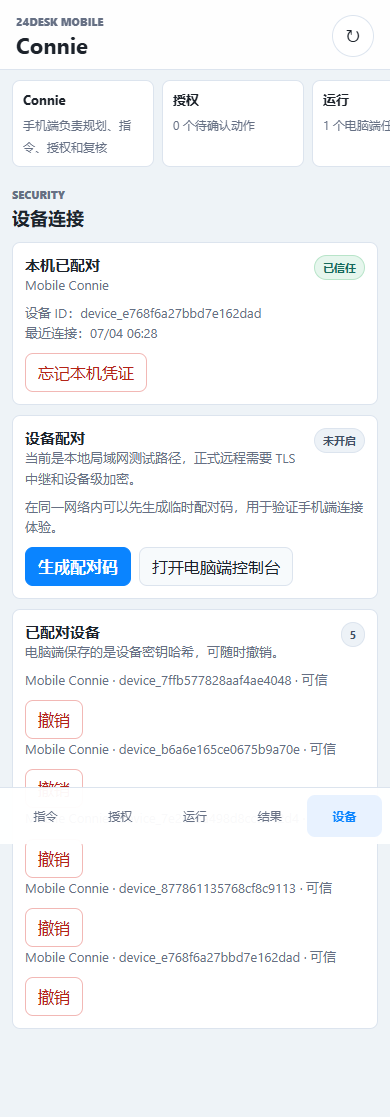
Messages become drafts and pending decisions. Approved desktop tasks can proceed while mobile commands supply context and show progress.
This public project account describes documented work and its current stage. It does not imply independent verification, client endorsement or unreported commercial results.